Most bloggers upload images and move on. They focus on the picture itself and forget the small details that sit around it. But those details matter more than people think. They influence how readers move through your content, how easily they understand your message, and how search engines interpret your page.
Table of Contents
ToggleAlt text and image captions are two elements that deserve more attention. They look simple, but they do important work behind the scenes.
If you want a deeper understanding of alt text, you can read my blog on why alt text matters and how to get it right.
Alt text helps people who cannot see the image and helps search engines understand what the image shows. Captions guide readers who can see the image by adding quick context and pointing out what matters.
When you use both the right way, your content feels clearer and more thoughtful. It becomes easier to read, easier to skim, and more accessible for everyone. These small additions also support better structure because they help readers move smoothly from one idea to the next.

TL;DR
Alt text is hidden descriptive text that helps screen readers and search engines understand your image. Captions are visible text below an image that help readers understand what they are seeing. Both matter for clarity, accessibility, and user experience.

What Alt Text Really Does
Alt text is useful when the reader cannot see the image. This could be due to a broken image, slow loading, or because the person is using a screen reader. Alt text gives the essential meaning so the reader does not miss the point.
Search engines also rely on alt text. It helps Google understand the image context and match it to relevant searches. This improves accessibility and SEO at the same time.
Good alt text avoids decorating the sentence. It focuses only on the essential visual information. A simple description often works best.
What Image Captions Do
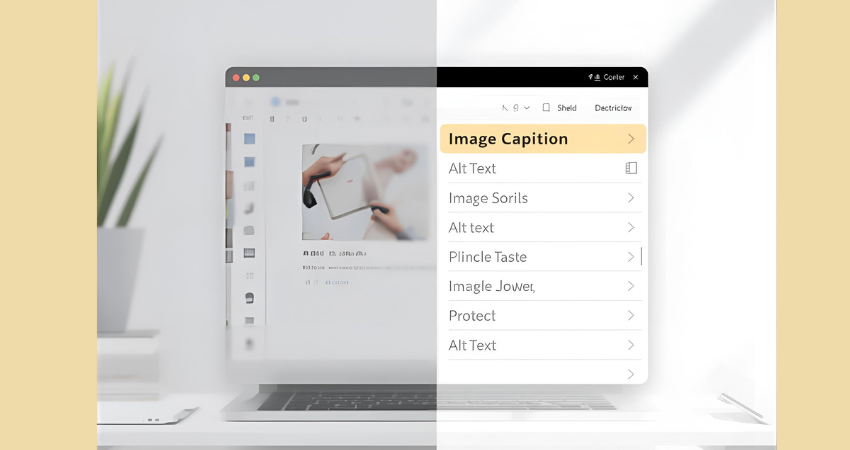
Captions are visible to every reader. They sit under the image and guide the reader by adding context. They can explain the purpose of the image, point out a detail, or support the paragraph around it.
Captions improve readability and help with flow. Many readers scan captions before reading the full article. A clear caption helps them understand the importance of the image at a glance.
Captions do not have strong direct SEO value, but they help with user engagement. Better engagement supports overall search performance.
Differences Between Alt Text and Image Captions
A simple table for clarity.
Point of Difference | Alt Text | Image Caption |
Purpose | Explains the image when it cannot be seen | Supports the image when it is visible |
Visibility | Hidden within the HTML tag | Shown under the image |
SEO Role | Helps image search and ranking signals | Helps readability and engagement, low direct SEO |
Accessibility | Required for accessible content | Optional, not required |
Writing Style | Short, simple, factual | Conversational and flexible |
Placement | Inside the image tag | In the article body |
Detail Level | Essential meaning only | Can include extra context |
Search Appearance | Helps with Google Images | Appears in article content only |
When It Appears | When image fails to load or via screen reader | Always visible |
Audience | Screen readers and search engines | Human readers |
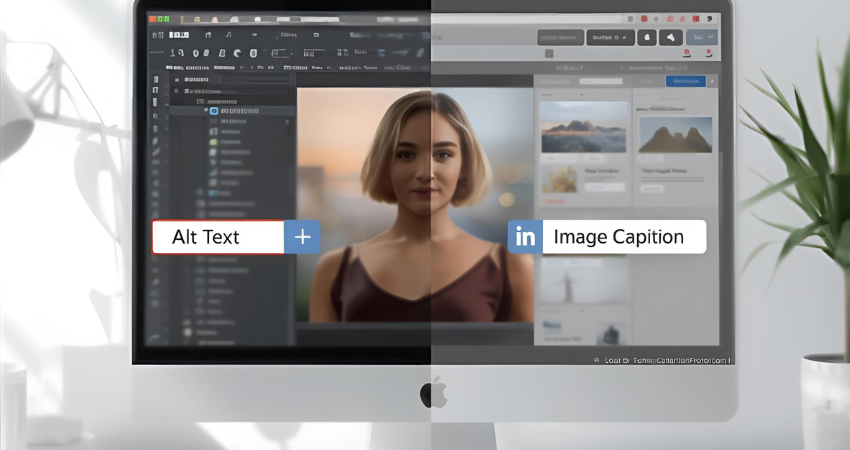
Using both strengthens your content. Alt text helps with accessibility and SEO. Captions help guide the reader and make your article smooth to read. Together, they improve the structure and clarity of your blog.

How to Write Good Alt Text
Good alt text is simple, clear, and meaningful. It focuses on the message the image is supposed to convey, not on making the description fancy. You are writing for someone who cannot see the image, so clarity matters more than creativity.
Start by identifying the purpose of the image. Ask yourself what message the reader should understand from it. Your alt text should reflect that purpose in plain language.
Be specific but avoid over-describing. Mention details only if they help the reader understand the image better. Skip colors, emotions, or guesses unless they are important to the message.
Keep your sentences short. You are not writing a caption. You are giving essential information to someone who depends on it to understand your content.
Here are a few guidelines that help:
- Describe only what matters. If the image is decorative, leave the alt text empty.
- Avoid phrases like “image of” or “picture of.” Screen readers already know it is an image.
- Use keywords only when relevant. Never force a keyword; it weakens accessibility.
- Match the image to the article’s context. If the picture is part of a tutorial, describe the step or action.
- Think of it like reading the image aloud. Simple, natural language is always better.
Example:
Instead of
“a beautiful woman working happily on a laptop at a stylish cafe”
Try
“woman typing on a laptop at a cafe table”
The second version is factual, simple, and avoids assumptions about emotions.
Good alt text supports both accessibility and search visibility. It also keeps your writing clean and helpful.
How to Write Good Captions
Good captions help your readers understand why the image is in your blog. They don’t repeat what the photo shows. Instead, they add clarity or context.
Start by pointing out what the reader should pay attention to. If the image supports a point in your post, the caption should highlight that point. It helps the reader make the connection between the image and the message.
Keep your captions short. One or two lines work best. Long captions interrupt the reading flow.
Captions can add tone or personality. In a personal blog, they can feel warm. In an educational blog, they can give a quick hint or explanation. The goal is to help the reader stay connected, not distract them.
Always ask yourself if the caption adds value. If it doesn’t, you can skip it. But when used well, captions make your article smoother, clearer, and more engaging.
When You Should Skip Alt Text or Captions
Decorative images should have empty alt text. This helps screen readers skip them. Captions are optional. If the image is simple and doesn’t need extra explanation, you don’t have to add a caption.
To Sum Up
Alt text and captions are small details that change how your readers understand your content. Alt text improves accessibility and helps Google understand your images. Captions guide readers and break up your article in a natural way. When you use both correctly, your content becomes easier to read and far more inclusive.